A visualizer that follows the track
Choose a form, tune its response and build the movement around the character of the music.

VizBeat turns a track, cover and a few ideas into a finished music video. Build it on a real timeline, see every change as you work, and export without sending your music to the cloud.
WindowsAvailable now

macOSComing soon
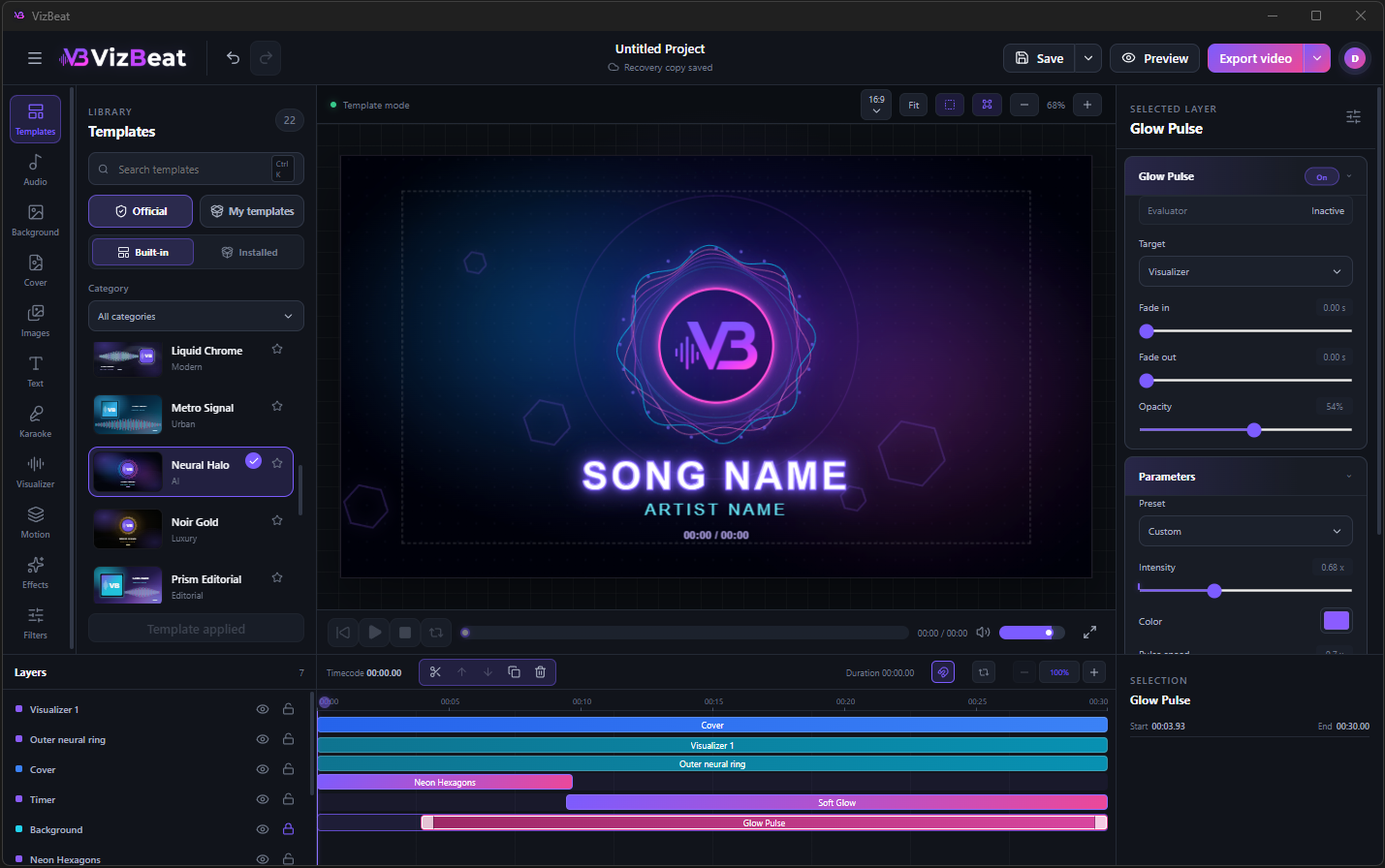
Start with a template or a blank canvas. VizBeat keeps the tools close enough to experiment without turning the work into a technical exercise.
Choose a form, tune its response and build the movement around the character of the music.
Place lyric blocks on the timeline, mark the words and control how the fill moves across the line.
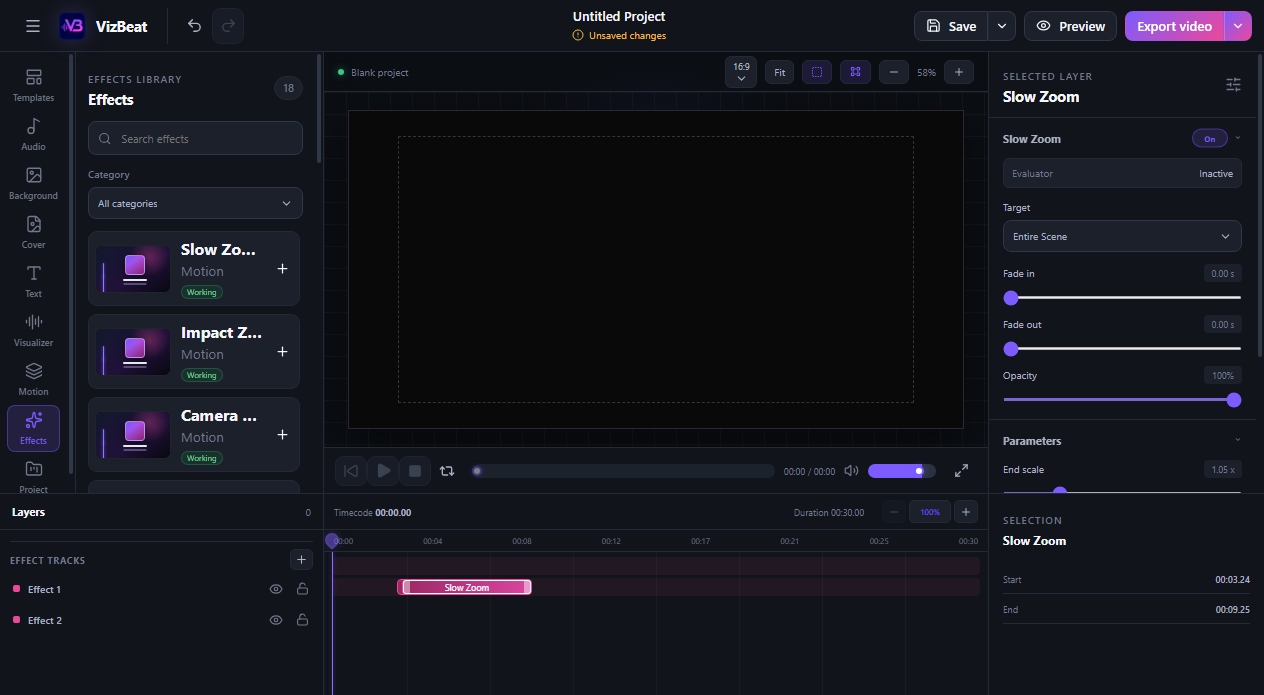
Add atmosphere, film texture or movement to a precise section instead of covering the whole video.
Work in 16:9, 9:16 or 1:1 and keep control of the composition while the format changes.
Five short exports made in VizBeat. Switch between them and see how differently the same beat can move across the screen.
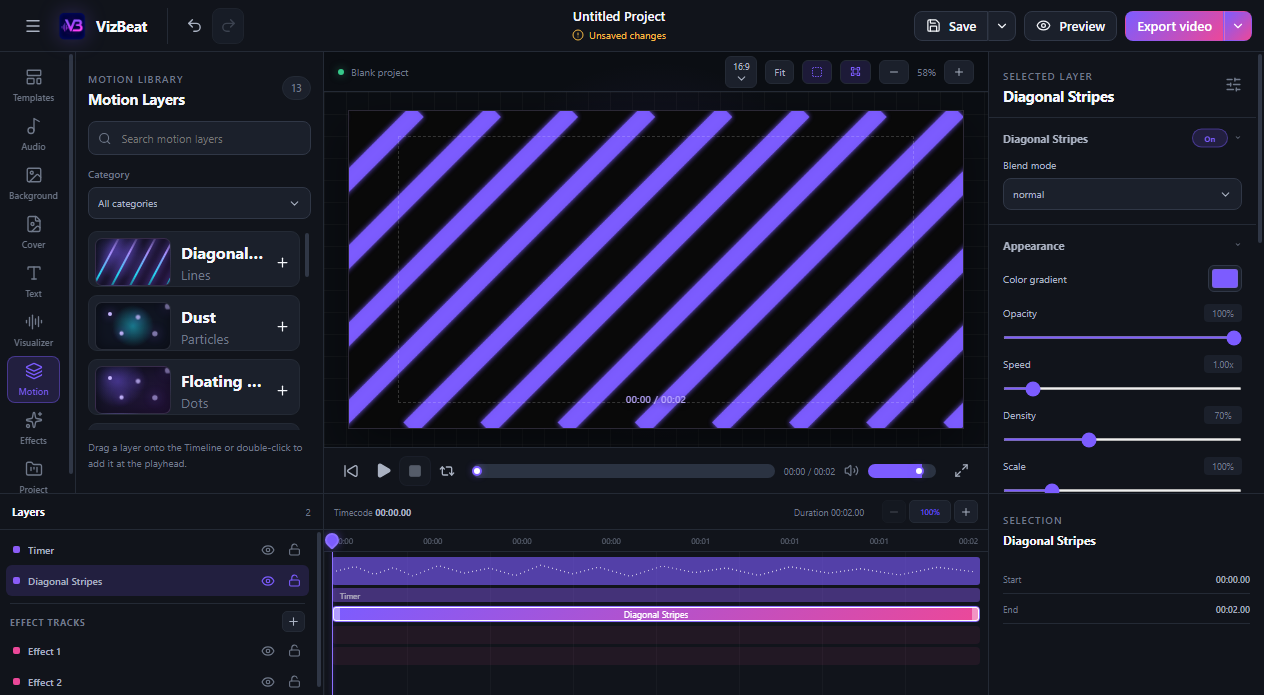
Motion, effects and ready-made scenes live in the same workspace. Add only what the track needs, trim it on the timeline and keep every layer editable.
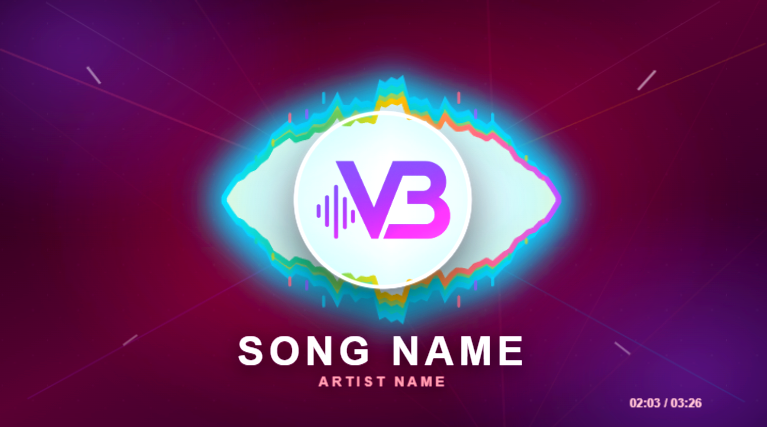
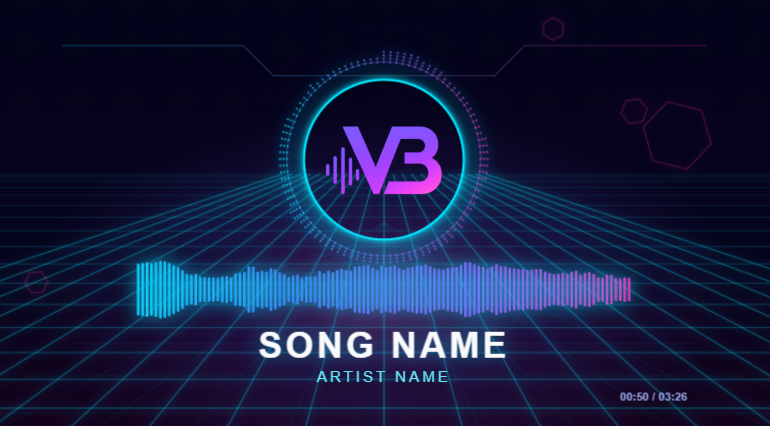
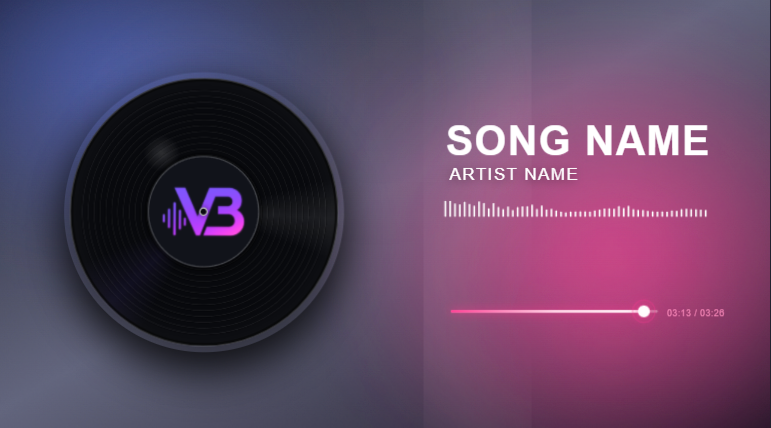
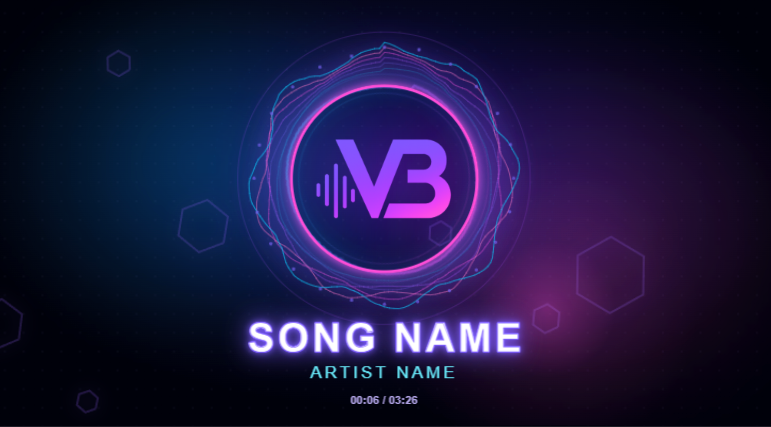
VizBeat treats lyrics as part of the edit, not as a caption pasted on top. Build a short block, place a cue for each word and tune the fill until it follows the vocal.
Every stage stays in one project: the track, the scene, the timing and the final export.
Drop in MP3 or WAV. Your audio stays on the computer.
Start clean or use a template, then arrange every layer on the canvas.
Place text, lyrics, motion and effects exactly where the music needs them.
Choose the aspect ratio, resolution and frame rate for the final video.
News, feature previews and new template drops live in the official VizBeat Telegram channel. Later, the community will be able to exchange templates, share ideas and help the strongest work become part of official collections.
 Join us on Telegram
Download VizBeat and build your first music visual.
Download for Windows