01 / 07Visualizer
Shape the music
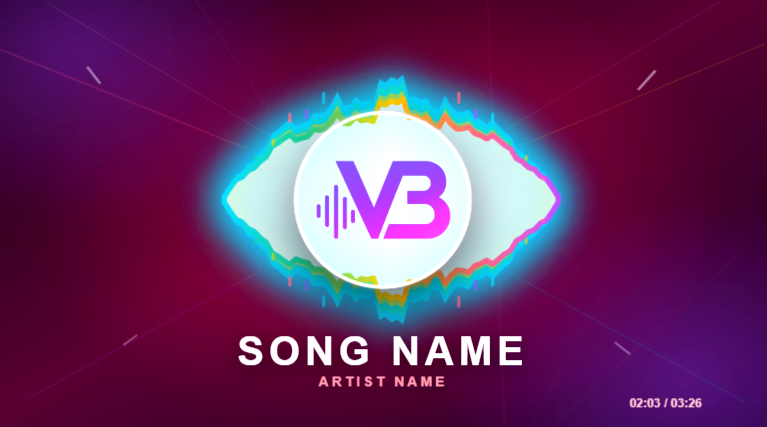
Choose from 32 visualizer types, then tune sensitivity, attack, smoothing, color and geometry until the movement fits the track.
32 typesAudio responseEditable geometry

VizBeat brings the visualizer, lyrics, motion, effects and export into one editor. Every element stays editable, and every decision stays on the timeline.
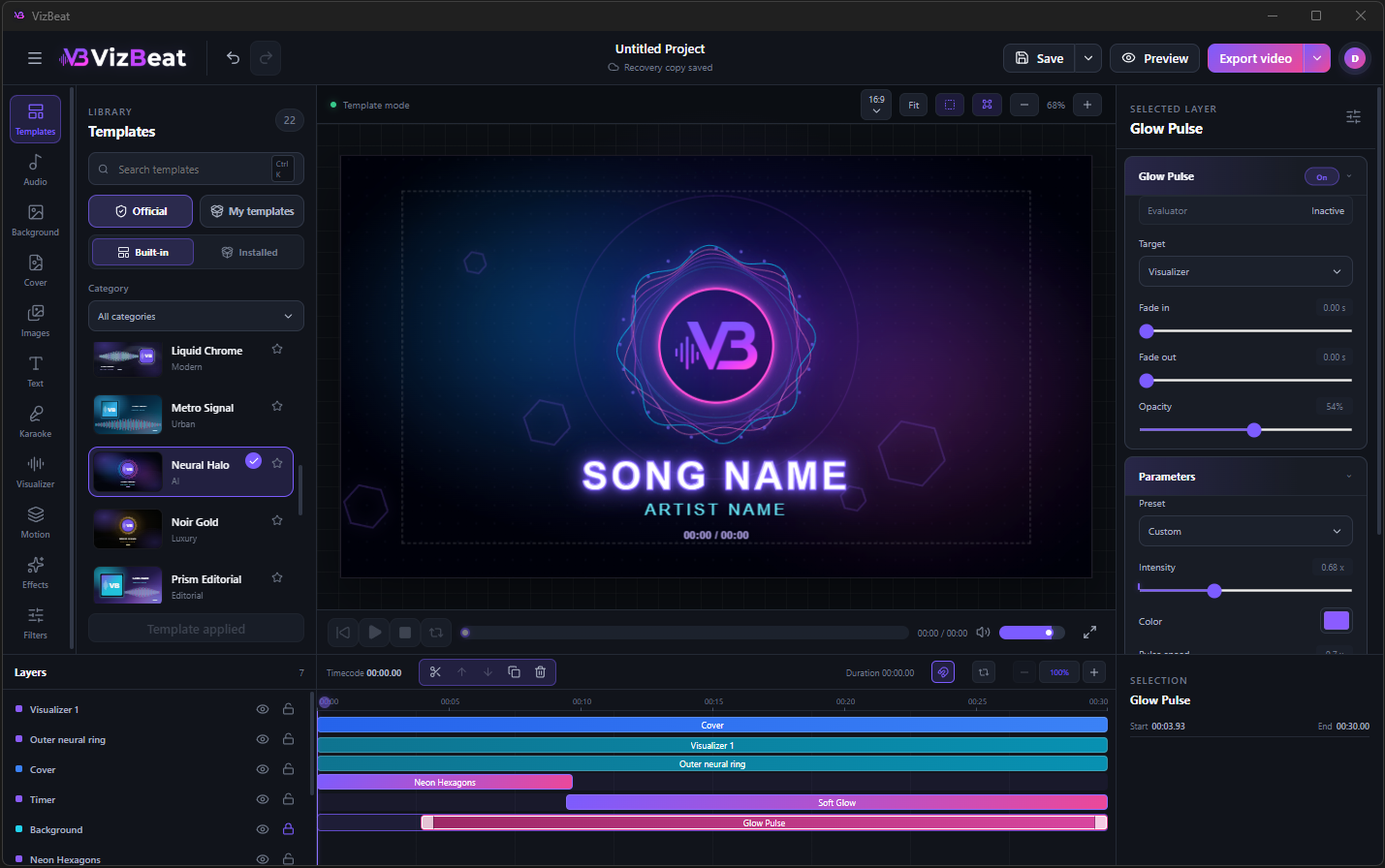
Move from the first audio file to the final render without rebuilding the project in another application.
Choose from 32 visualizer types, then tune sensitivity, attack, smoothing, color and geometry until the movement fits the track.
Build short lyric blocks, place word cues on the timeline and adjust the fill so the line follows the vocal instead of guessing at it.
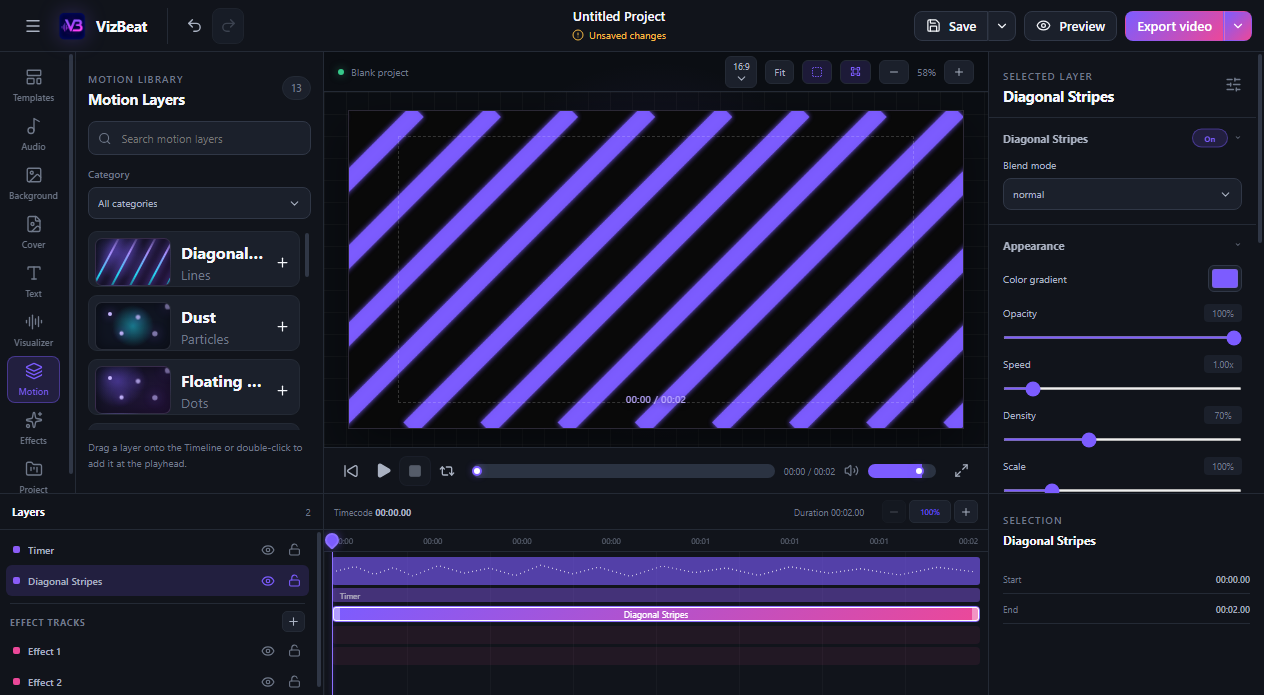
Add movement as its own layer. Trim it, move it and keep it independent from the cover, text and background.
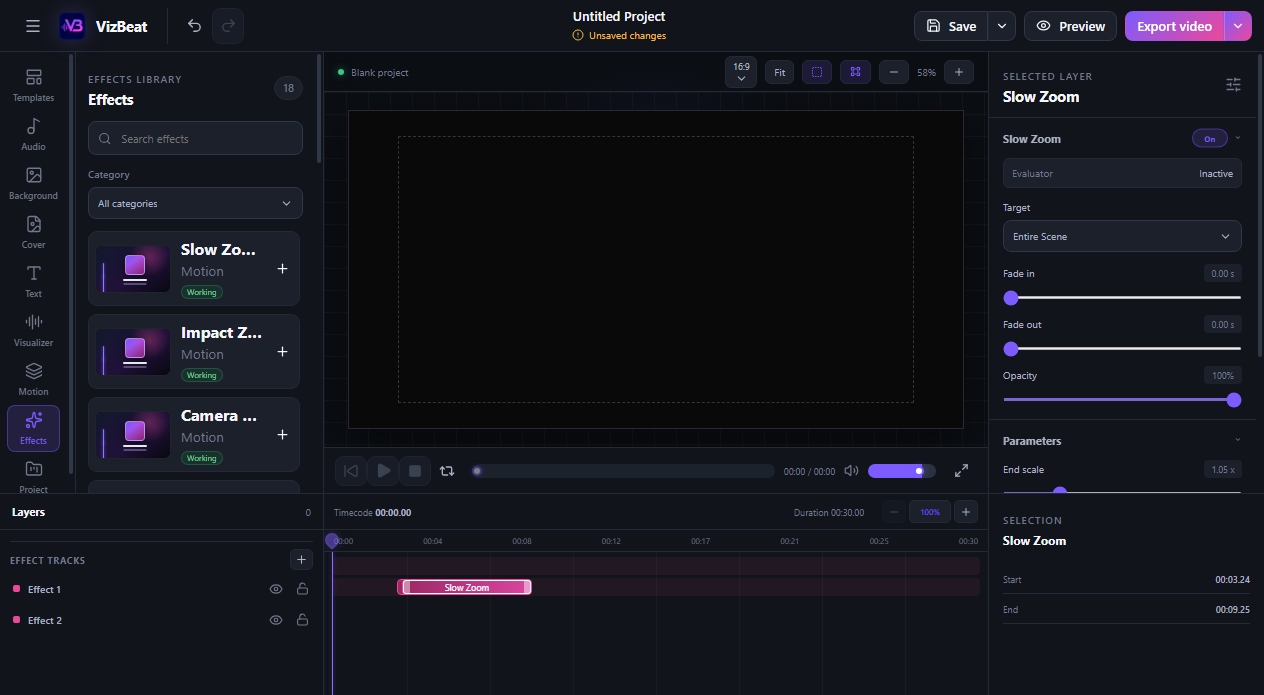
Film texture, atmosphere, light and distortion can live on a precise section of the timeline and remain editable later.
Apply a consistent color character to a background, image or scene, then control the strength instead of accepting a fixed look.
Use a ready composition or begin clean. Replace the media, move the layers and keep the structure that already works.
Switch between landscape, portrait and square projects, then choose resolution and frame rate for the final MP4.
Start with the free Windows version and build the complete composition before you decide how far the final export needs to go.
Download for Windows